The "No-Panic" Guide to Migrating Your Business to AWS
Moving to the cloud doesn't have to be a nightmare. Here is a realistic, step-by-step guide to migrating to AWS without losing data (or your mind).
MIGRATION
Ahmad Bouka
2 min read
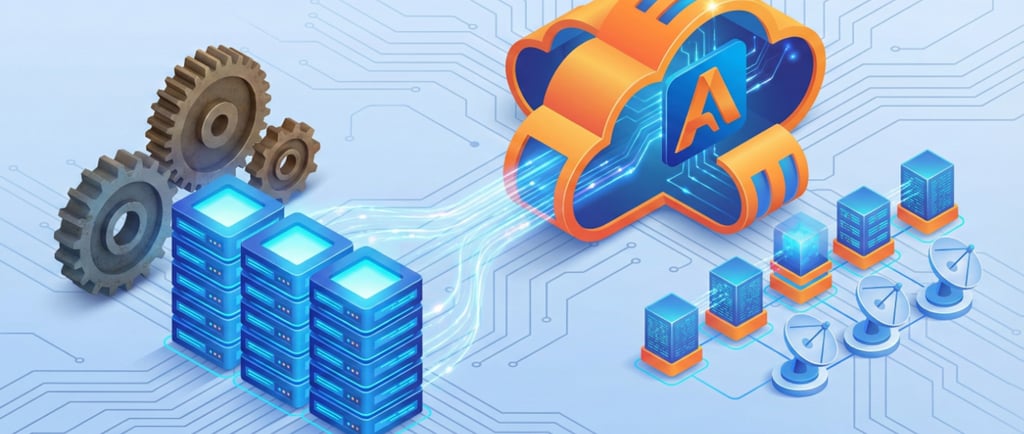
Let’s face it: moving your entire business infrastructure to the cloud sounds terrifying. It’s like moving houses, but instead of packing boxes and furniture, you’re juggling critical customer data, live applications, and about a thousand dependencies.
It feels huge, but here’s the truth—migrating to AWS doesn't have to be a chaotic free-for-all. If you break the process down into logical, bite-sized phases, it’s actually more than manageable. Here is a realistic, human-readable guide to getting it done without losing your sanity.
1. The Discovery and Audit (Know What You Have)
Before you move a single byte, you need to know exactly what is living in your current servers. I call this the "closet clean-out" phase. This is arguably the most critical step.
Inventory Everything: Identify every server, application, and database. You'll likely find old apps you haven't touched in years. Do you really need to move them? Decommissioning before migrating saves money.
Identify Dependencies: Use tools to map out which apps talk to which databases and other services. If you move a frontend application without its backend API, things will break instantly.
Define Performance Baselines: Document your current system's CPU usage, memory utilization, and I/O rates. This gives you a clear metric to measure success against once you're on AWS.
2. Choose Your Strategy (The 6 Rs)
While you might hear about the "6 Rs" of migration, you generally have two main choices to start:
Lift and Shift (Rehosting): You take your stack exactly as it is and drop it onto AWS servers (usually EC2 instances). It’s the fastest path to the cloud, but you won’t get the full cost and operational benefits right away.
Refactor (Re-architecting): You tweak your applications to actually use cloud-native features like RDS for databases or Lambda for serverless functions. This is a longer process but gives you the greatest long-term savings and flexibility.
A quick note on Retiring: If your audit reveals an application is obsolete, get rid of it! Don't waste time migrating dead weight.
3. Start Small (The Pilot Light)
Do not plan to flip a switch and migrate everything on a Friday afternoon. That’s a recipe for a weekend emergency. Start with a non-critical application—maybe an internal tool, a test environment, or a simple backup server.
Build the Foundation: Set up your AWS networking (VPC, subnets, etc.) and security protocols. This foundation will host all future migrations.
Test and Refine: Use the pilot migration to see how your team handles the new monitoring, security, and deployment workflows. Fix the bugs and optimize the process when the stakes are low.
4. Migrate and Optimize
Once the big waves of migration are underway, the work is still not done. The biggest mistake I see is companies treating AWS like a traditional data center, leaving servers running 24/7.
Watch Your Bill: Cloud costs can spiral if you aren't paying attention. Implement cost visibility tools and set up budget alerts.
Right-size Constantly: If you rented a massive EC2 instance but are only using 10% of its power, scale it down. That’s the entire point of the cloud: paying only for what you use. Optimization is continuous.
Summary
Migration is a complex but rewarding marathon. Take the time to plan, don't be afraid to ask for help, and remember: once you're on the other side, the scalability, agility, and freedom of innovation are absolutely worth the upfront effort.
Contacts
bouka@theawsexpert.com
Los Angeles, California
Expert AWS cloud consulting services to transform your business infrastructure.
The aws Expert
Services
AWS Cost Optimization
Security & Compliance
Cloud Architecture
DevOps Automation
Managed AWS Support
Quick Links
Blog